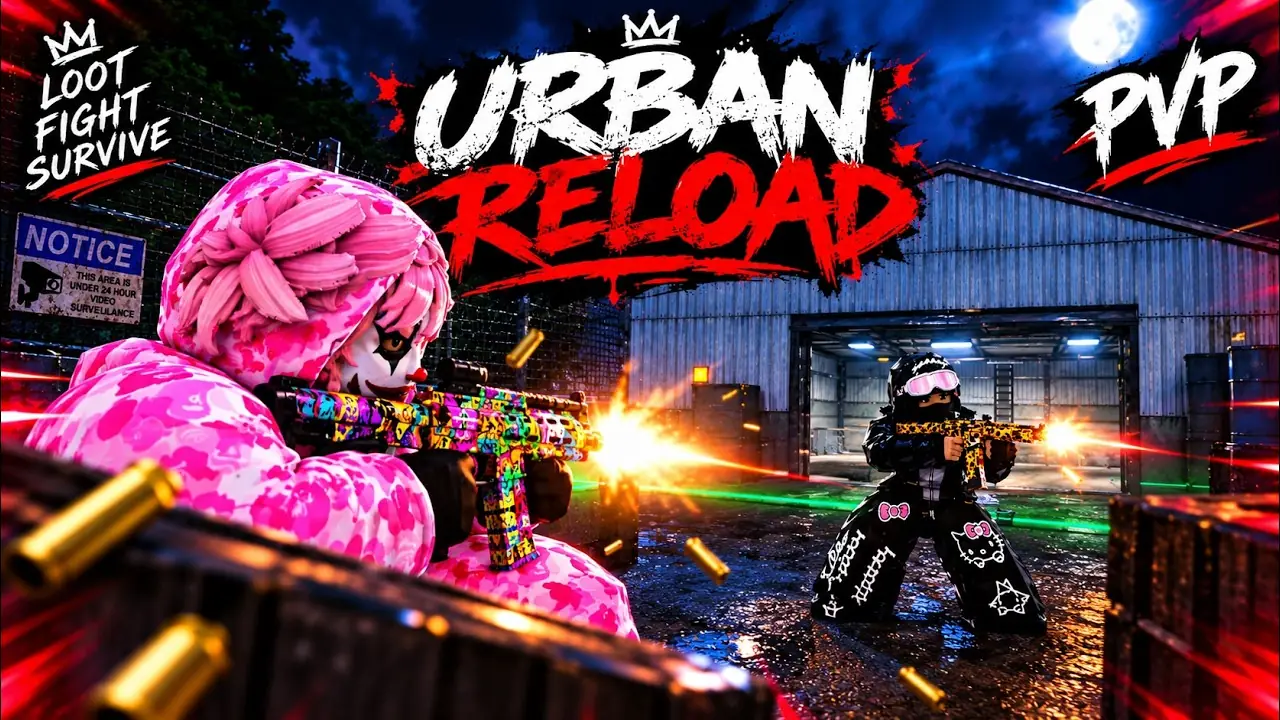
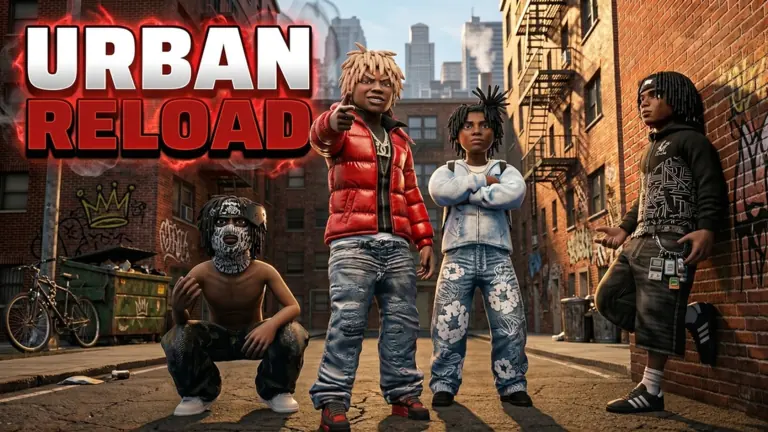
How to play Urban Reload
You play Urban Reload by opening it inside Roblox. The experience is free, the place id is 84448037861644, and there is no separate installer with the game's name. On 3 November 2026 the game record still showed price: null, and the game page structured data listed Windows, macOS, iOS, Android, Xbox, PlayStation, and Meta Quest.
I checked the four distribution URLs the same day. Apple, Google Play, Microsoft, and roblox.com/download all answered. None of them is an Urban Reload package. If a page asks you to sideload an APK named after the game, that file is not the Roblox client.
Join on each platform
- Create or sign in to a Roblox account in the official client.
- Open the Urban Reload experience page and press the play button Roblox shows.
- On iPhone or iPad, install Roblox from the App Store, then search the experience name.
- On Android, install Roblox from Google Play. That is the Android channel Roblox publishes.
- On Windows, the Microsoft Store listing and roblox.com/download are the desktop clients.
- Xbox, PlayStation, and Meta Quest are named on the experience's structured data. Whether your account can launch it still depends on the Roblox client on that device.
Why there is no APK
Urban Reload is not sold as a standalone Android package. I found no APK on the Roblox game page or on the three store listings above. A download that is not the Play Store package com.roblox.client, that asks for your Roblox password, or that tells you to turn off Play Protect, is outside the channel Roblox publishes. This page does not link any third-party package.