Urban Reload controls
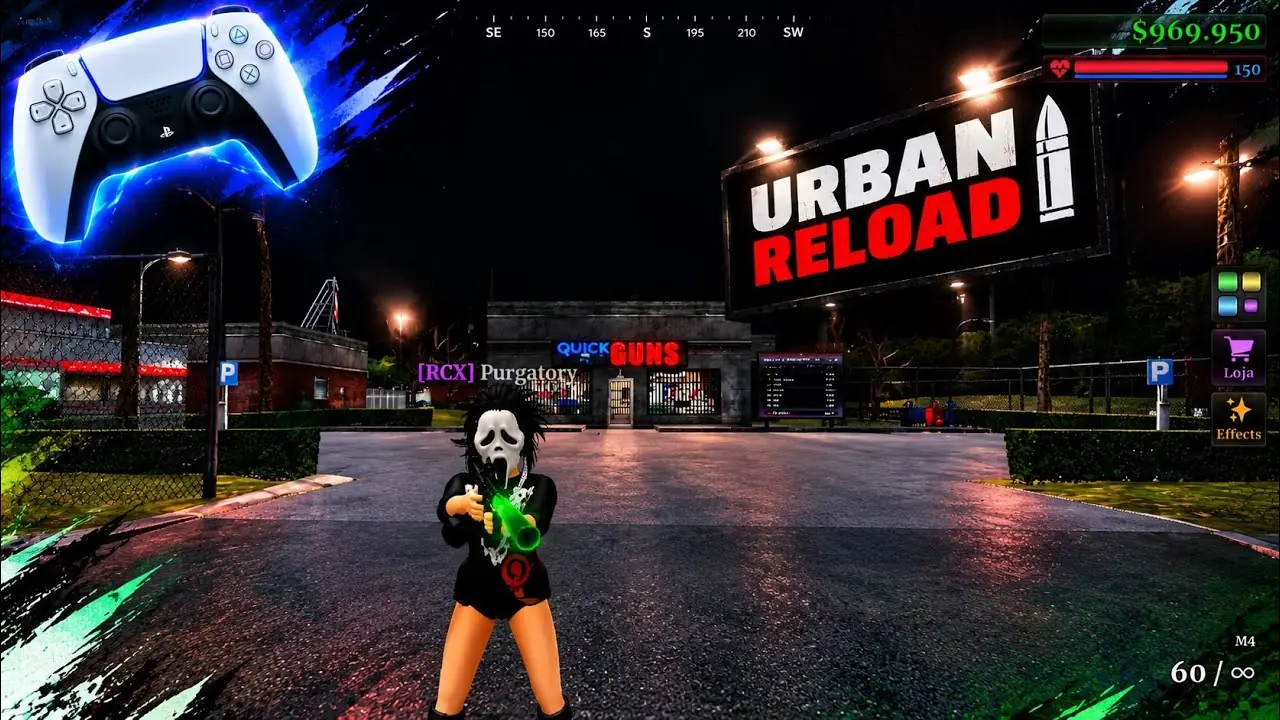
The menus report describes holding ALT to free the cursor and clicking a menu. This is a single community evidence chain. The reviewed sources do not establish a complete controller or touch map; the montage below does not supply a button chart. Checked 2026-10-28.
I looked for a settings screenshot that lists every bind and did not find one. urbanreload.wiki's menus page (about 25 October 2026) is the concrete source. urban-reload.wiki repeats the ALT line. A controller montage shows someone playing on a pad; it does not label the buttons.
Keyboard and hotbar
- Hold ALT to release the cursor, then click menus.
- One hotbar they describe: 1 fist, 2 rifle, 3 purple bottle, 4 KEVLAR, 5 medkit.
- Another layout on the same page: bottle on 2, rifle on 3, KEVLAR 4, medkit 5.
- Menu words they saw include a gear, a wardrobe layout, a crew person icon, and a shop cart. Some labels were in French (Armoire, Boutique, Équipage).
Controller and phone
Shoulder buttons L1 and R1 are mentioned as the ends of a prompt, both on urbanreload.wiki and in a later wiki that cites the same material. That is not a complete Xbox or PlayStation map. No source reviewed here provides a complete touch-button map. If you are on a phone, the honest status is: the Roblox page lists iOS and Android in its structured metadata (one first-party source), and the on-screen layout has not been written down anywhere I could open.
Using supplies
From the same supplies notes: a medkit shows a +100 style line and is consumed when the heal bar finishes, and you can move while it runs. The purple bottle lasts about 15 seconds, can be refreshed, and keeps counting after a weapon swap. KEVLAR waits out an equip bar. These are single-source observations.